Jewelry type
Name the piece and its style
Turn an unfamiliar piece into useful search terms such as solitaire, halo, signet, pendant, curb chain, tennis bracelet, bangle, cuff, stud, drop, or brooch.
Jewelry identifier app
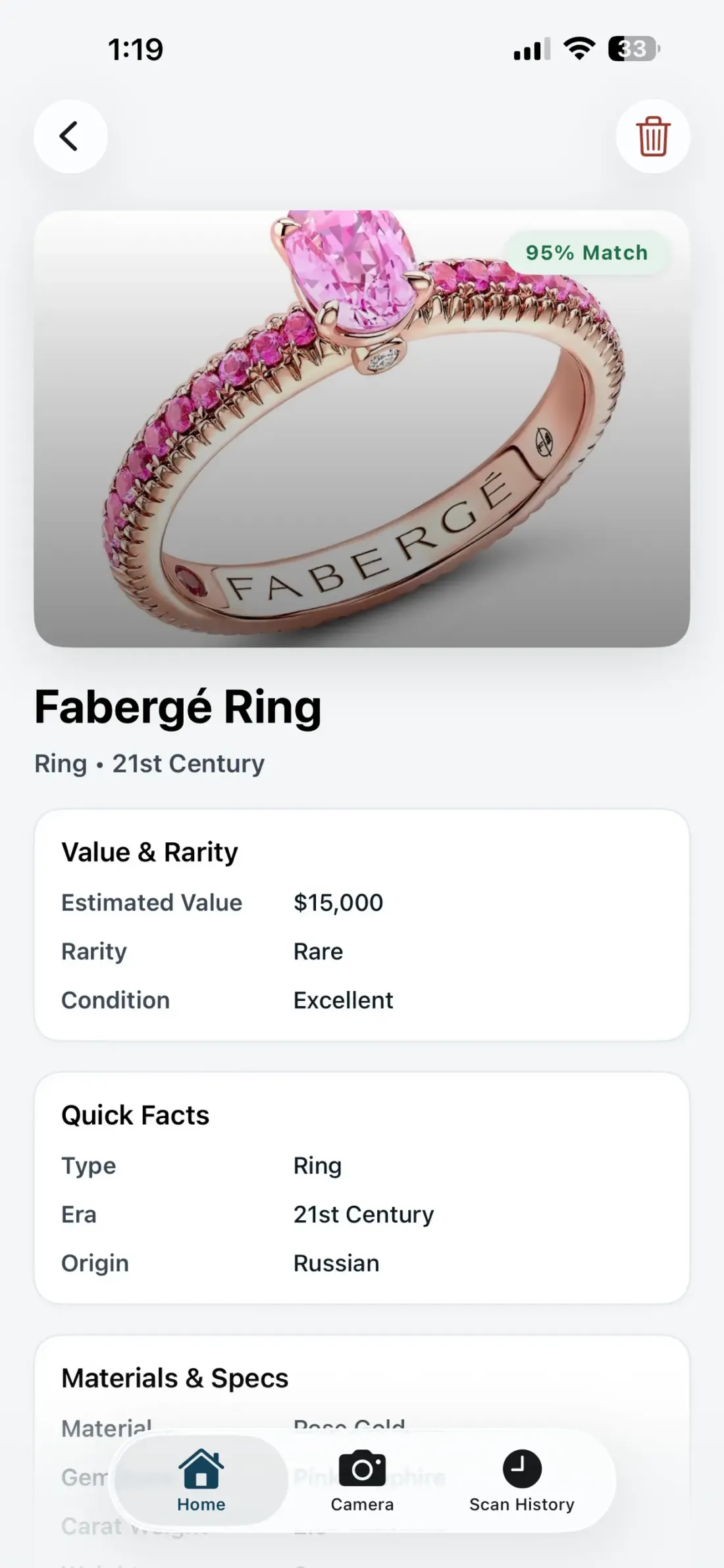
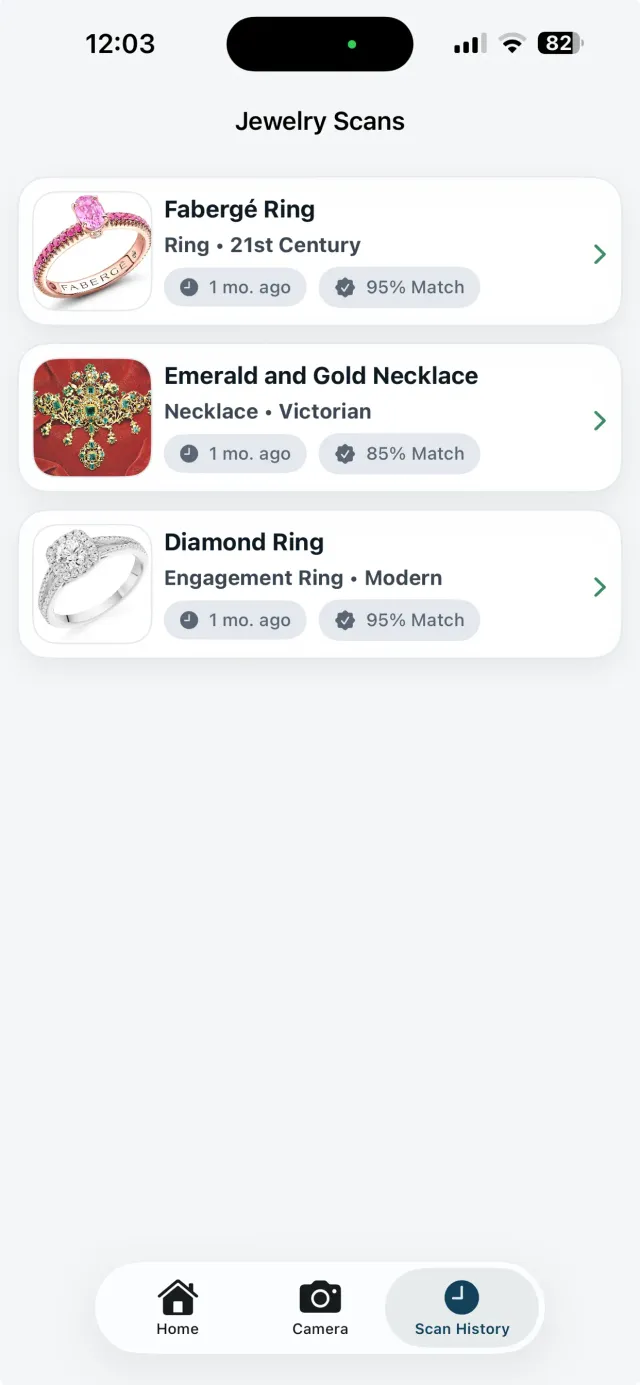
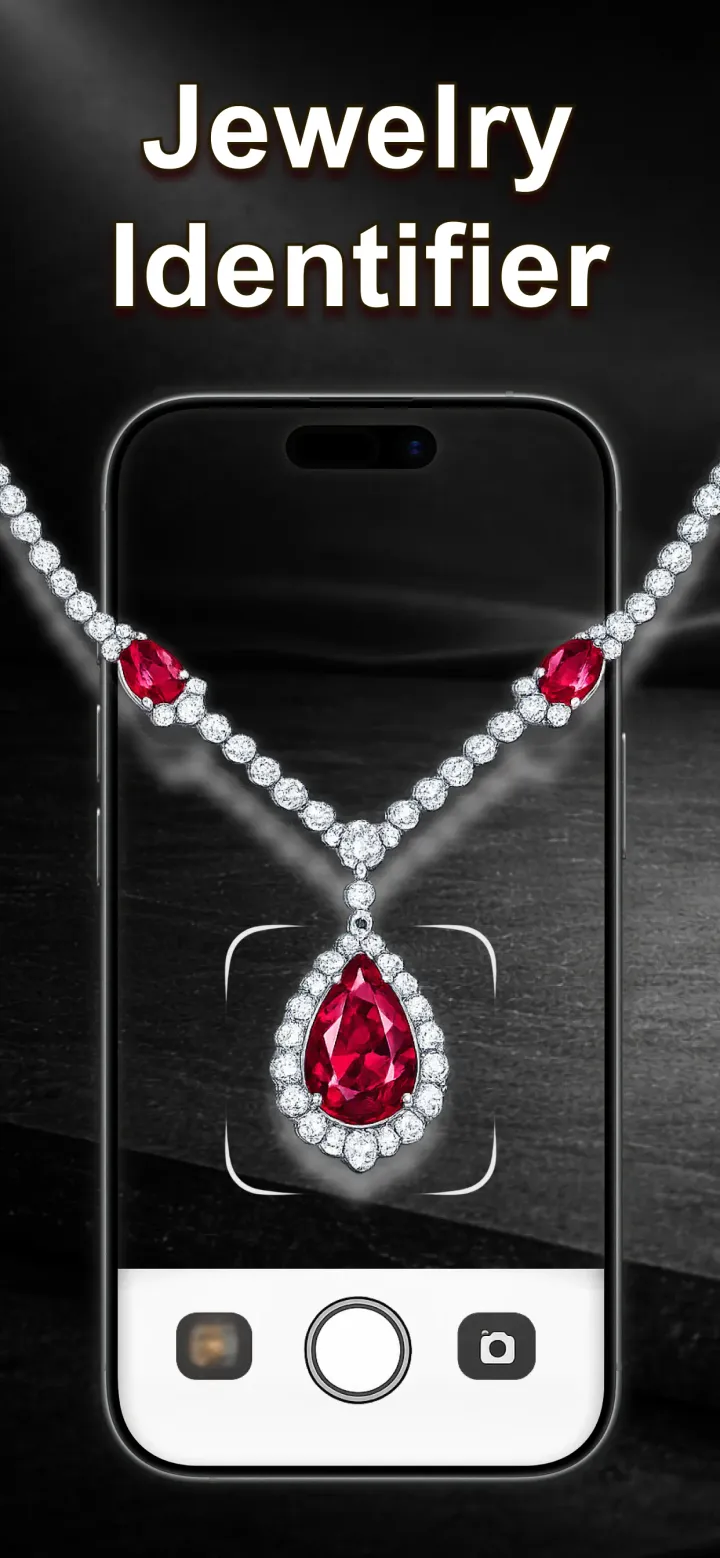
Snap or upload a picture and GemPeek reveals the likely piece type, gemstone and metal clues, style, condition, match confidence, and an estimated value range.

Free to download on the App Store
How it works
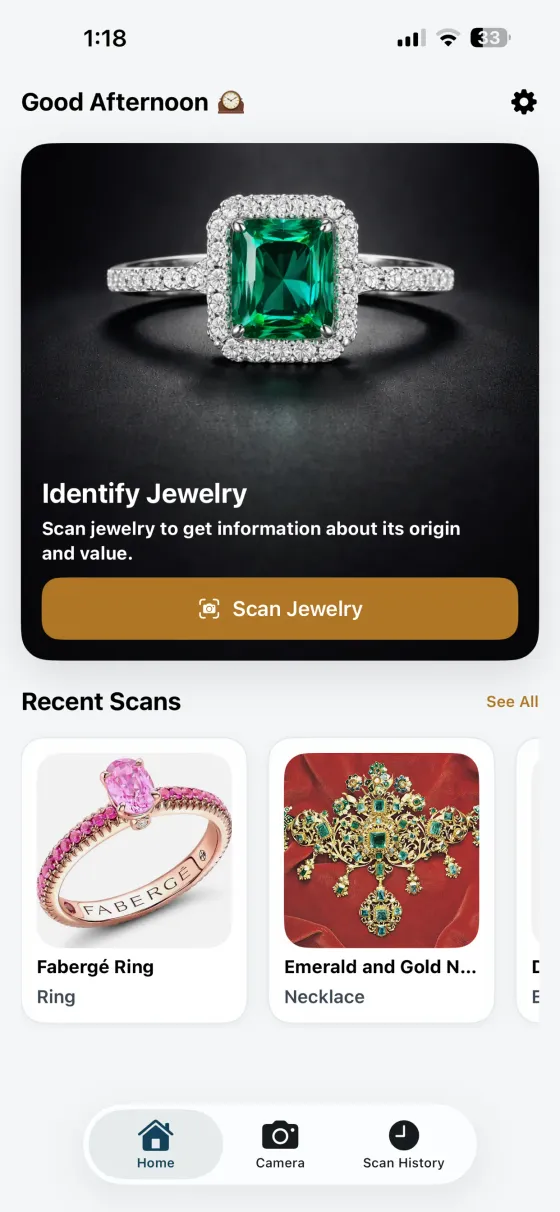
Photograph a ring, necklace, bracelet, earrings, watch, pendant, or loose gemstone. You can also choose an existing picture from your library.
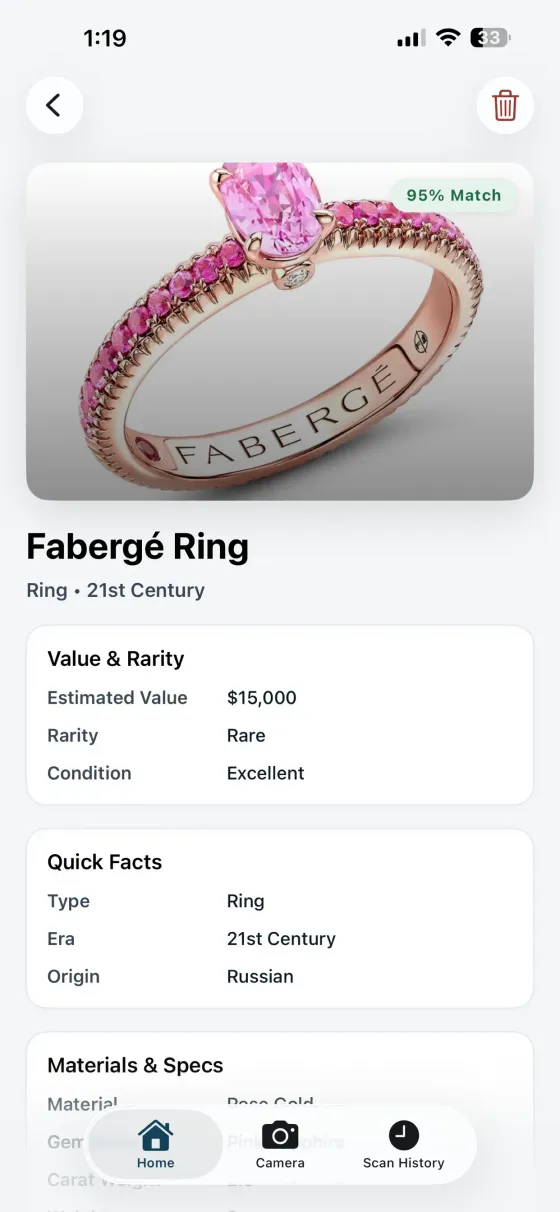
Get the likely jewelry type, gemstone and metal clues, style, condition, match confidence, and an estimated value range in one organized result.
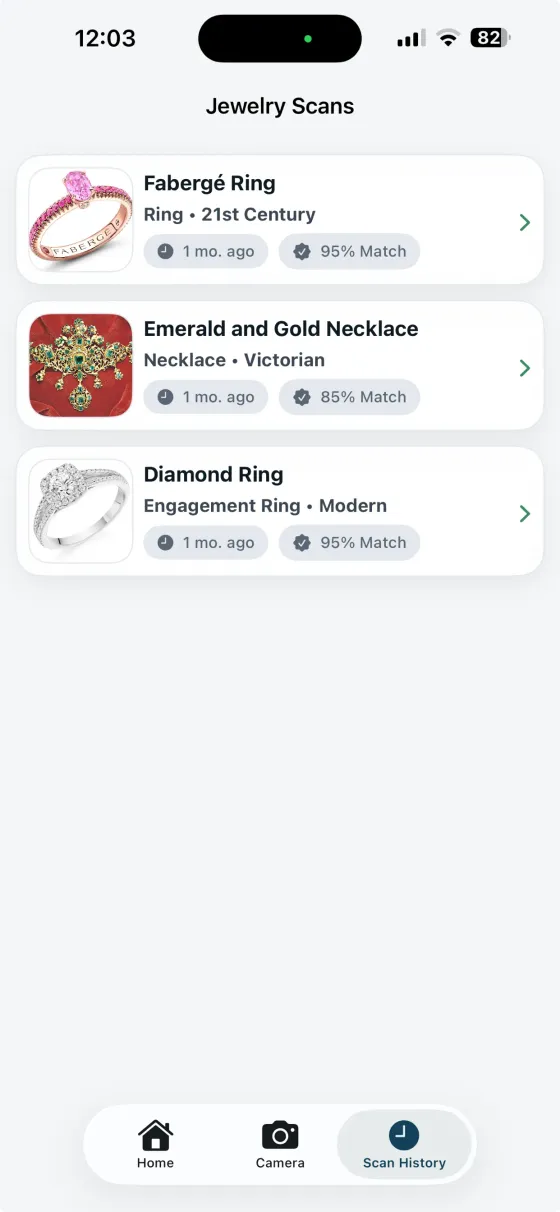
Keep every result in your scan history, ready to revisit when you compare listings, sort a collection, or research an inherited piece.
One scan, a clearer picture
GemPeek turns a photo into an organized identification you can use to search smarter, compare similar pieces, write a better listing, or decide what deserves a closer look.
Turn an unfamiliar piece into useful search terms such as solitaire, halo, signet, pendant, curb chain, tennis bracelet, bangle, cuff, stud, drop, or brooch.
See likely stones and the details around them: colour, cut shape, prongs, bezels, halos, pavé, pearls, enamel, crystals, and other visible accents.
Get likely metal and finish suggestions, plus readable clues from visible hallmarks or maker marks, so you know what to inspect and search next.
Use a comparison-led estimate to understand the possible price bracket, prioritize the pieces worth researching, and approach listings with better context.
A match confidence score makes the result easier to interpret and helps you decide whether another angle or a sharper hallmark photo could reveal more.
Keep inherited pieces, thrift finds, resale stock, gifts, and personal favorites organized instead of losing your research across screenshots and browser tabs.
Jewelry identification guides
Learn the names, marks, settings, construction details, and photo angles that make rings, bracelets, necklaces, earrings, and watches easier to identify.
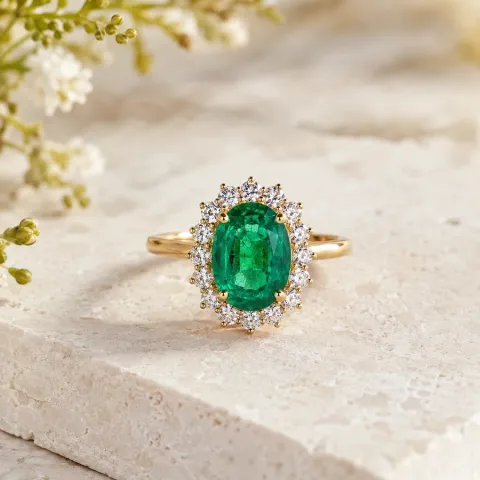
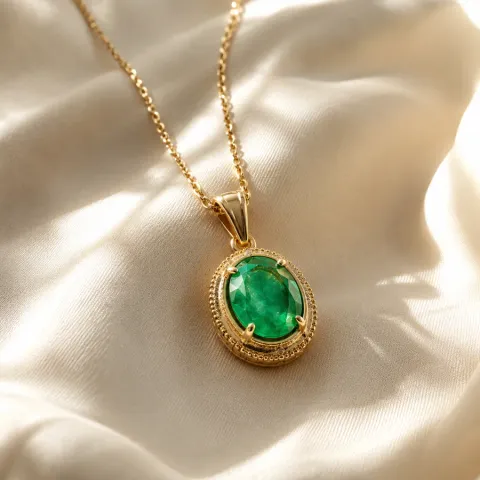
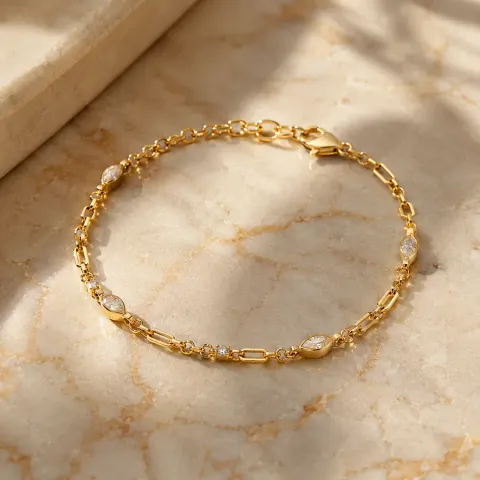
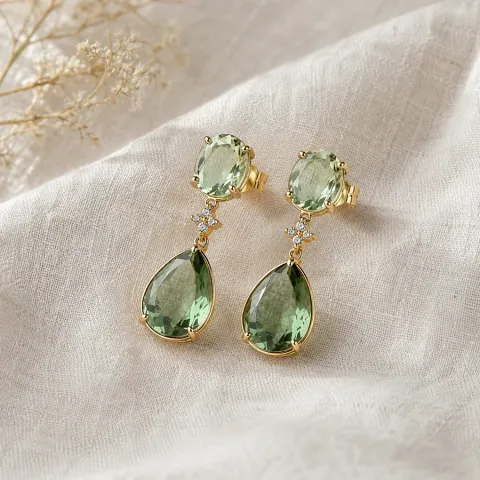
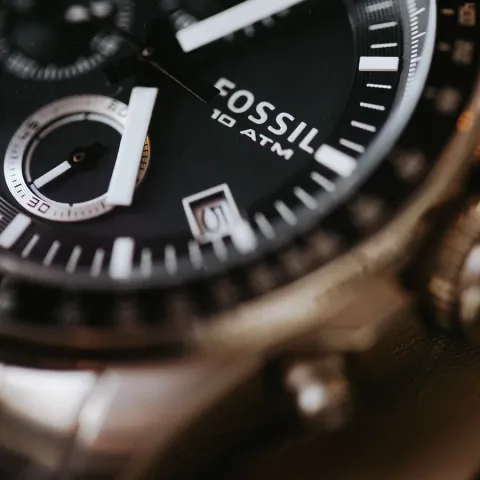
Get a stronger identification
Start with the complete piece, then photograph the back, clasp, band interior, case, hallmark, or maker mark. Soft light and sharp focus help GemPeek connect the design with the small details that can change the result.
Jewelry identifier questions
Open GemPeek, take or upload a clear photo, and review the identification. The app looks for the piece type, design, visible stones, materials, marks, condition, and similar examples so you have useful names and clues to research.
GemPeek works with rings, necklaces, pendants, chains, bracelets, bangles, cuffs, earrings, brooches, charms, watches, loose gemstones, and many other decorative pieces.
If a hallmark or maker mark is sharp and readable in the photo, GemPeek can include it among the clues in the result. Photograph the mark straight on, fill the frame, and avoid glare for the best chance of a useful read.
Yes. GemPeek provides an estimated value range using visible details and comparable public examples. The result also shows the factors that may move that range, including materials, stones, condition, maker, and demand.
Yes. GemPeek is free to download from the App Store, with premium features available in the app.
Download GemPeek, photograph the piece in front of you, and turn visible clues into a clear identification you can act on.
Free to download